eSIM shows signal but "No Internet Connection"? Here's the fix

Polina Gankina
How-to(Updated
3 Min read
Your eSIM shows full signal bars but data won't load? Here's why that happens and how to get connected.
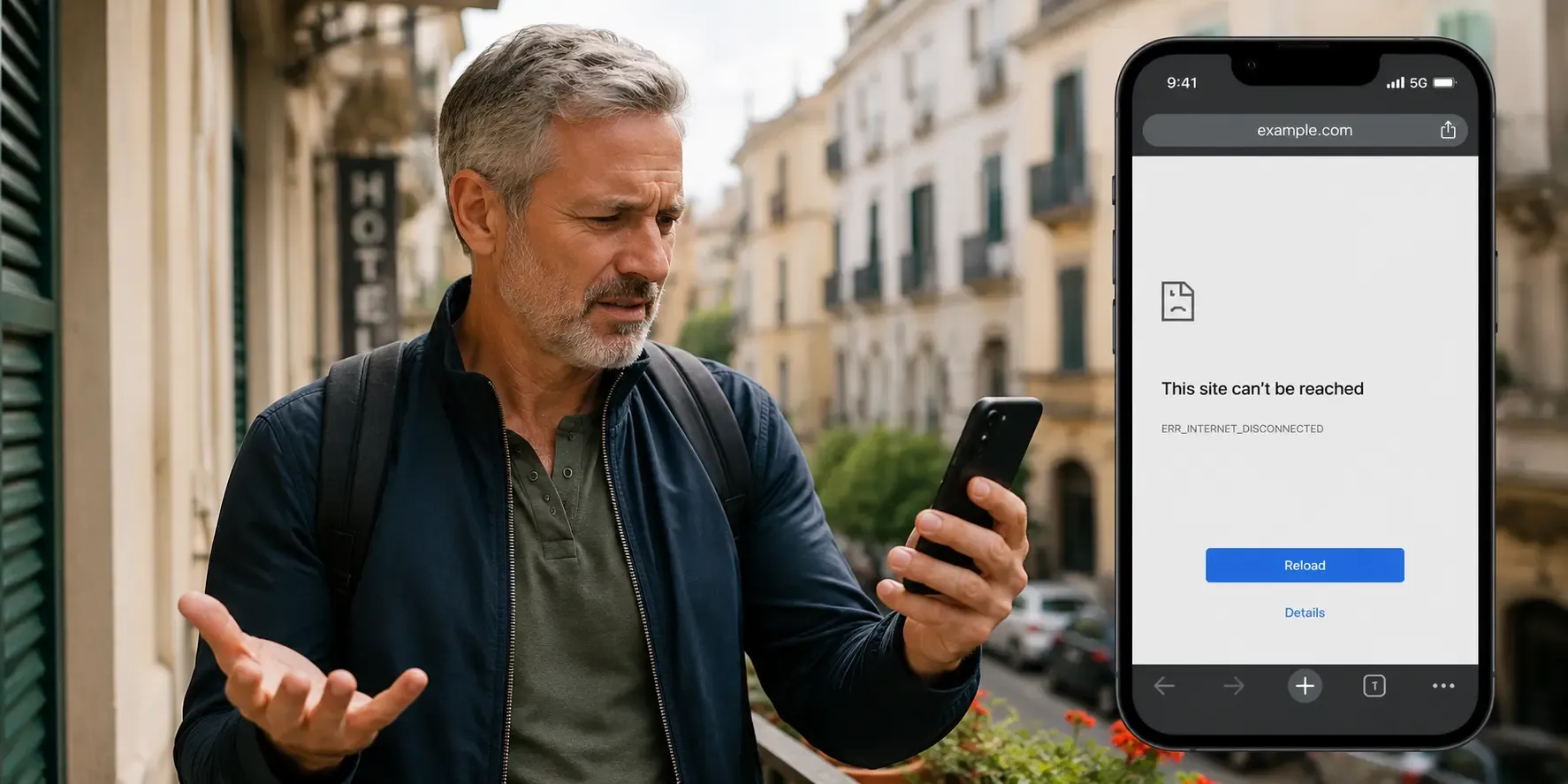
Full signal bars with no internet almost always means a settings toggle, not a broken plan. In most cases the fix is turning on data roaming for your eSIM line, making sure that line handles your cellular data and toggling Airplane Mode to reconnect. Work through the four checks below in order and you'll usually be back online in a couple of minutes.
Why does my eSIM show signal but no data?
Signal bars mean your phone is registered on a network. That's separate from your data plan being turned on and routed correctly, which is why the bars can look healthy while nothing loads. The usual causes:
- Data roaming turned off for that line: Even with an active eSIM plan, data roaming has to be switched on for that line in your phone's settings.
- Wrong line set as default for data: If your phone has two active lines, cellular data might still be routed through your home line instead of your eSIM.
- Network settings still applying: Occasionally the data settings need a moment (or a restart) to fully apply after installation.
- Plan exhausted or expired: If your data allowance has run out or your plan's validity has ended, you'll often still see signal but won't get online.
How to fix it
- Turn on data roaming. Go to Settings → Mobile Data (Cellular on some iPhones, Mobile Network on Android), select your eSIM line and check data roaming is on.
- Check your data line. Confirm your eSIM is set as the default line for cellular data, and switch it if your home SIM is still selected.
- Toggle Airplane Mode. Turn it on, wait 10 seconds, then turn it off. This forces the phone to re-register with the network.
- Check your balance. Your remaining data and plan validity are shown in your account and order confirmation.
If none of that works, contact support with your order number and we'll check your plan's status directly.
Frequently asked questions
- Yes. Travel eSIMs connect to local networks as a roaming line, so data roaming needs to be on for the eSIM. Your regular SIM's roaming setting isn't affected.
- No. Your prepaid plan already covers data use in the countries it lists. The roaming toggle just lets the eSIM connect; there are no surprise charges on top.
- That's a different problem with its own checklist. Work through our no service after landing guide.
Sorted? If your plan's simply run out, you can buy a new plan for your destination and be back online in minutes.
- That's a different problem with its own checklist. Work through our no service after landing guide.

Landing in a new city?
Get your eSIM sorted before you touch down