"Can't Add Cellular Plan" error: causes and fixes

Polina Gankina
How-to(Updated
3 Min read
Getting a "Can't Add Cellular Plan" error while installing your eSIM? Here's why it happens and how to resolve it.
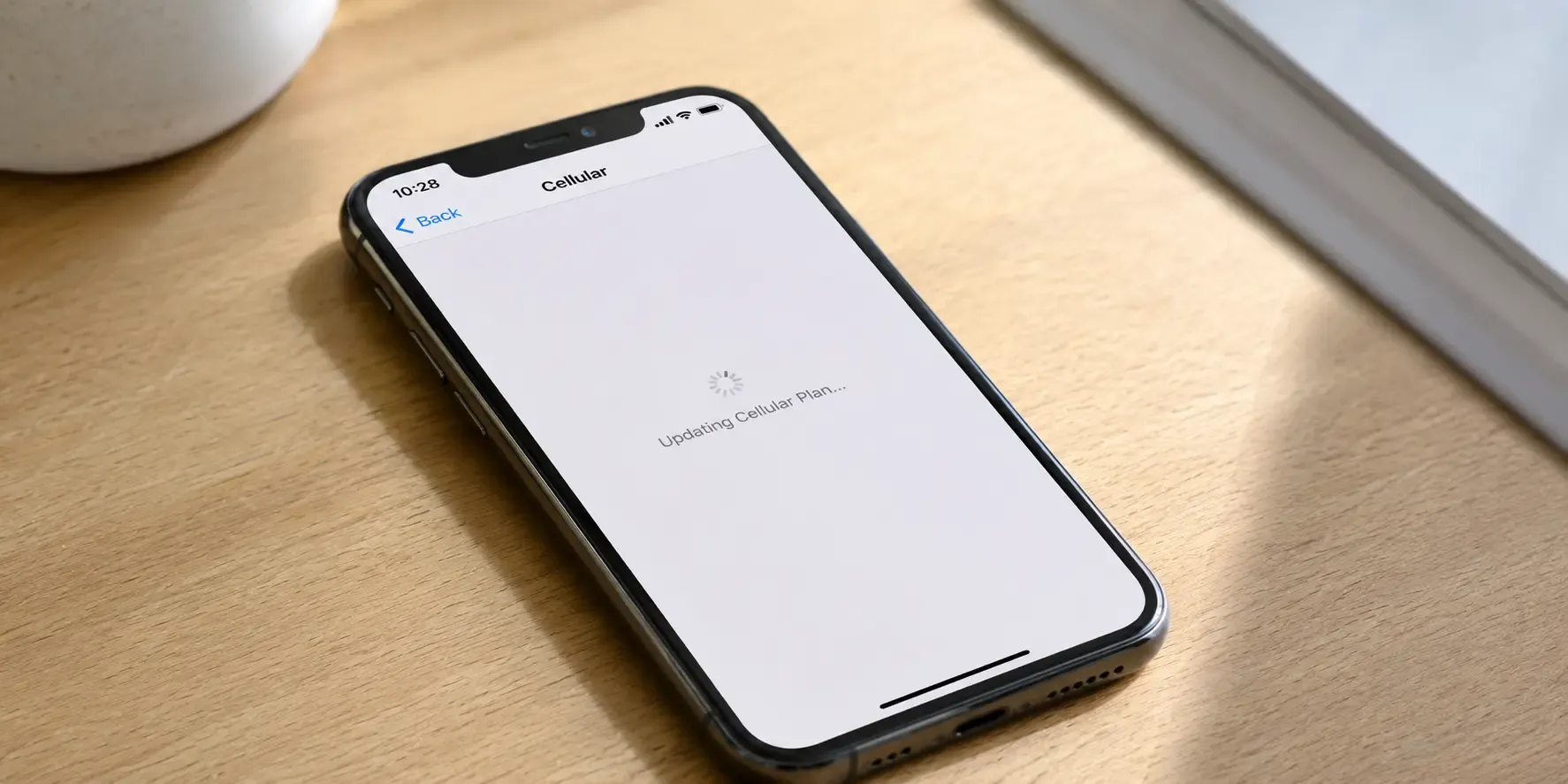
"Can't Add Cellular Plan" appears at the very start of eSIM setup, before installation even begins, which usually points to a device-side limit or lock rather than a problem with the code itself. Freeing up an eSIM slot, confirming your phone is carrier-unlocked and retrying on stable Wi-Fi resolves most cases.
Why does "Can't Add Cellular Plan" appear?
- Maximum eSIM profiles reached: Phones can only store a limited number of eSIM profiles at once (recent iPhones store eight or more, though only one or two can be active for calls and data at a time). If you're at the limit, remove an old or unused profile in Settings before adding a new one.
- Code already redeemed: If this exact QR code was already used to install a plan, on this device or another, it can't be added again.
- Device not carrier-unlocked: Some carrier-locked phones block adding any additional cellular plan until the device is unlocked.
- Unstable connection: A weak or dropping Wi-Fi connection during setup can trigger this before the install even gets underway.
How to fix it
- Check your installed plans. In Settings, see how many eSIM or cellular plans are already on the phone and remove one you no longer need if you're at the limit.
- Confirm your device is carrier-unlocked. Check with your carrier if you're unsure: some locked phones block adding any additional plan.
- Switch to a stable Wi-Fi network. Then try adding the plan again.
- Contact support. If it still fails, contact support with your order number to confirm the code hasn't already been redeemed.
Frequently asked questions
- Recent iPhones store eight or more eSIM profiles, though only one or two can be active at a time. If you're at the limit, remove an old or unused profile in Settings before adding a new one.
- No. Each eSIM QR code is redeemable exactly once, so a code that's already been used to install a plan, on this device or another, can't be added again. Contact support with your order number and we can check the code's status.
- It can. Some carrier-locked phones block adding any additional cellular plan until the device is unlocked, so check with your carrier if you're unsure.
- That's usually the "Activation Failed" error, which has its own causes. See our guide to fixing the "Activation Failed" error.
Sorted? You can browse eSIM plans for 100+ destinations and install before you fly.
- That's usually the "Activation Failed" error, which has its own causes. See our guide to fixing the "Activation Failed" error.

Landing in a new city?
Get your eSIM sorted before you touch down