eSIM "Activation Failed" error: what it means and how to fix it

Polina Gankina
How-to(Updated
3 Min read
Seeing "Activation Failed" while installing your eSIM? Here's what causes it and the fixes that resolve it most of the time.
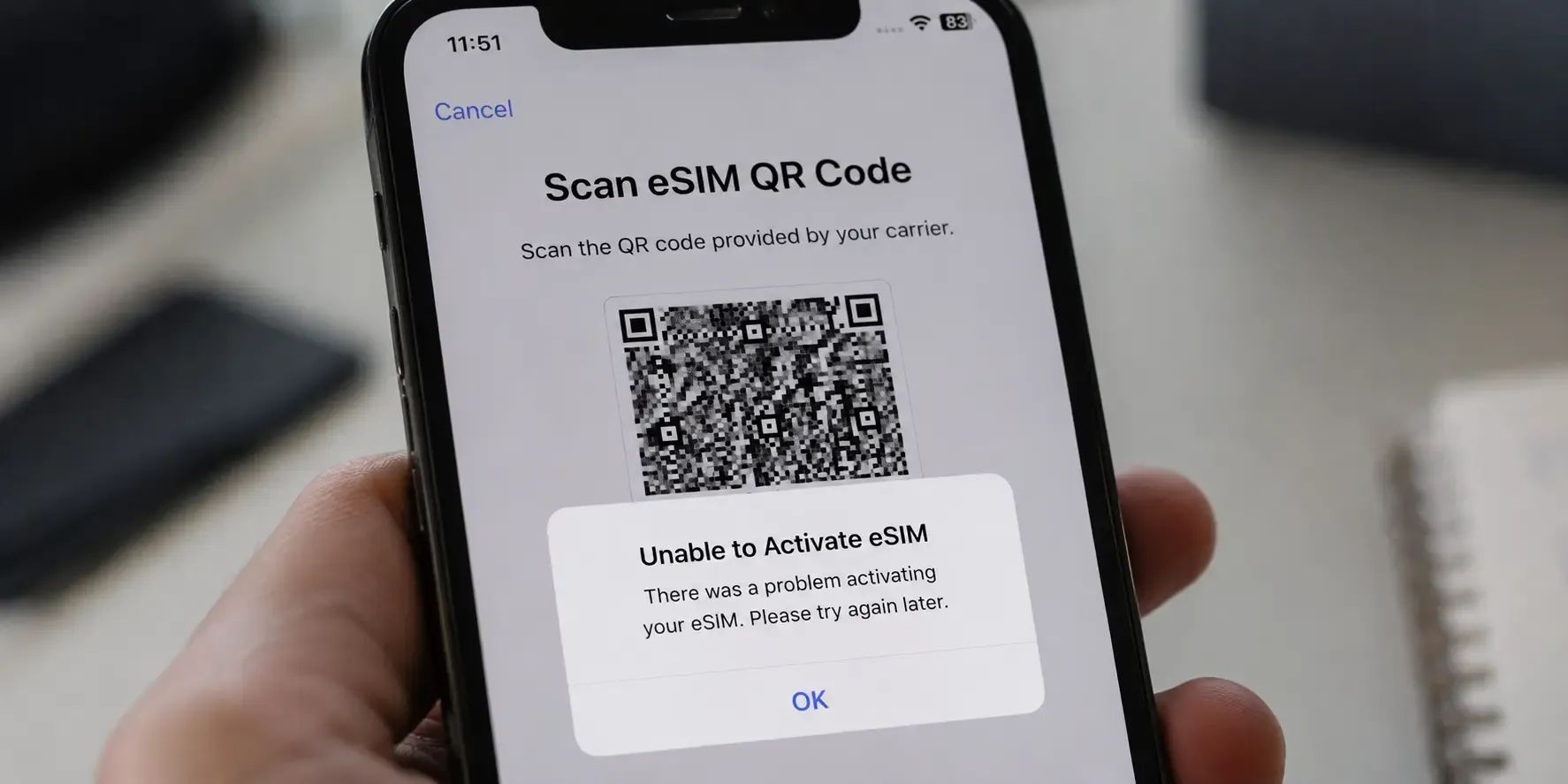
"Activation Failed" usually means your phone reached the carrier's activation server but the process was interrupted partway through, rather than being rejected outright. It's normally fixable without a new code: a stable Wi-Fi connection, automatic date and time settings and a restart resolve most cases.
Why does the "Activation Failed" error appear?
- Unstable connection mid-install: The install needs a steady Wi-Fi or data connection throughout: dropping in and out during the process is the most common cause.
- Date and time not set automatically: If your phone's date, time or time zone is set manually and is incorrect, the activation server can reject the request.
- Device is carrier-locked: A locked phone can block activation even if the eSIM itself installs. Check with your carrier if you're unsure whether your device is unlocked.
- Temporary server timeout: Occasionally the activation server itself times out under load: this usually resolves on a retry.
How to fix it
- Connect to stable Wi-Fi. The install needs a steady connection from start to finish, so retry on a network you trust.
- Set date and time to automatic. In Settings, confirm date, time and time zone are set to update automatically.
- Restart your phone. Then try installing the eSIM again.
- Wait and retry once more. If it fails again, give it a few minutes before another attempt: temporary server timeouts usually clear on their own.
If the error persists after these steps, contact support with your order number so we can check the code's status.
Frequently asked questions
- Usually not. The error normally means the process was interrupted, not that your code was rejected, so a retry on stable Wi-Fi typically works. If it keeps failing, contact support with your order number and we can check the code's status.
- If your date, time or time zone is set manually and is incorrect, the activation server can reject the request. Setting your device to update date and time automatically is the fix.
- Not always. A locked phone can block activation even if the eSIM itself installs, so check with your carrier if you're unsure whether your device is unlocked.
- That's a different problem with its own fixes. Work through our guide to an eSIM that shows signal but no internet.
Sorted? For your next trip you can browse eSIM plans for 100+ destinations and install before you fly.
- That's a different problem with its own fixes. Work through our guide to an eSIM that shows signal but no internet.

Landing in a new city?
Get your eSIM sorted before you touch down