What is an eSIM and how does it work?

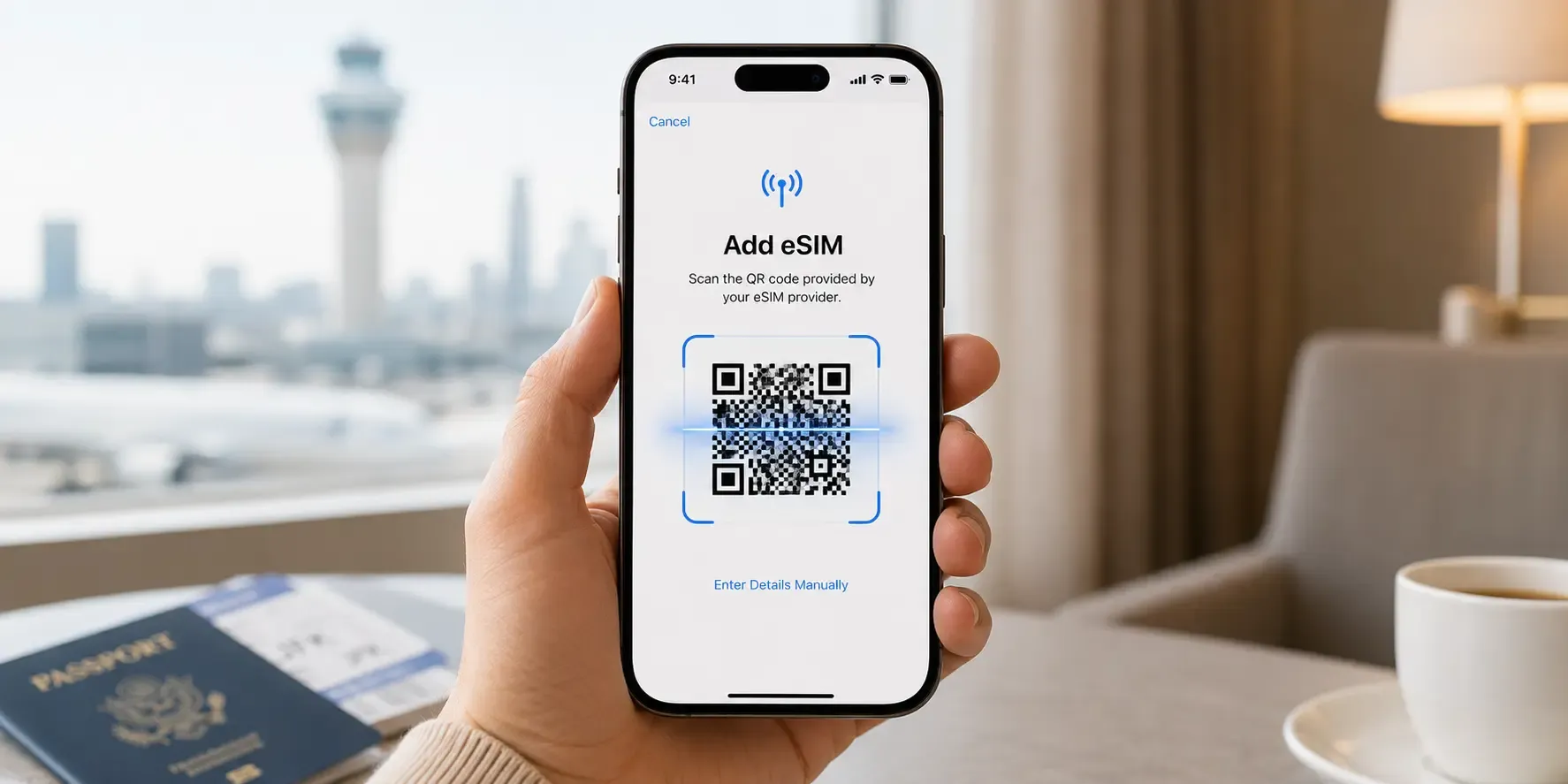
An eSIM (embedded SIM) is a digital SIM card built into your phone, tablet or smartwatch. Instead of swapping a small plastic chip in and out of a tray, you install a mobile data plan straight onto your device by scanning a QR code or tapping an activation link. For travellers, that means you can land in a new country and get connected in minutes, without hunting for a local SIM shop or juggling a tiny tray-eject tool.
What exactly is an eSIM?
A traditional SIM card is a physical chip that stores the information a carrier needs to connect your phone to its network. An eSIM does the same job, but the chip is soldered directly into the device at the factory. Rather than replacing a physical card, you download an "eSIM profile" (a small file containing your plan's network settings) onto that built-in chip.
Most recent iPhone, Samsung Galaxy and Google Pixel models support eSIM alongside (or instead of) a physical SIM tray, and many newer tablets and smartwatches do too.
How does an eSIM actually work?
Getting connected with an eSIM usually takes four steps:
- Choose a plan. Pick the data package for the country or region you're visiting.
- Get your QR code. After checkout, you receive a QR code by email and in your order confirmation.
- Scan and install. Go to Settings → Mobile Data (Cellular on some iPhones, Mobile Network on Android), choose "Add eSIM" or "Add Cellular Plan" and scan the code. The profile downloads and installs in under a minute on most connections.
- Activate and connect. Turn on the new eSIM line (many phones let you keep your regular number active on a second line at the same time) and your device connects to a local or regional network automatically.
Because the whole process happens over the air, there's no physical card to lose, damage or mail back, and no waiting for a courier before a trip.
What's the difference between an eSIM and a physical SIM?
Both do the same basic job of connecting your device to a mobile network, but they differ in a few practical ways:
- Installation: A physical SIM has to be inserted into a tray; an eSIM installs digitally, so there's nothing to physically swap.
- Dual connections: Most eSIM-capable phones can run a home number and a travel data plan at the same time, so you stay reachable on your regular number while using local data abroad.
- Availability: A physical SIM usually means finding a shop after you land; an eSIM can be bought and installed before you even leave home.
- Durability: There's no tiny chip to lose in an airport seat cushion or a hotel room carpet.
Weighing up roaming as well? See our full comparison of eSIM, physical SIM and roaming.
Do you need to be tech-savvy to use one?
Not at all. The whole setup is designed to be a scan-and-go process built into your phone's own settings menu: there's no app to configure, no SIM-tray tool required and no technical knowledge needed beyond following the on-screen prompts.
How to buy an eSIM
At Speedysim, you choose your destination, pick a data plan and pay by card, Apple Pay or Google Pay. Checkout takes a couple of minutes and your QR code arrives within seconds, so you can install your eSIM before you travel or the moment you land.
Is an eSIM right for you?
If your device supports it, an eSIM is generally the simpler option for travel: faster to set up, easier to keep your home number active alongside it, with nothing to physically lose along the way. If you're not sure whether your specific phone supports eSIM, check our device compatibility guide before you buy.
Frequently asked questions
- Yes, on most eSIM-capable phones. Your regular SIM keeps your number, calls and texts working while the eSIM handles your travel data.
- Yes. You can buy and install your eSIM at home, and your plan's validity only starts when you first use data in a covered country.
- Yes. Installing an eSIM needs an active Wi-Fi or data connection at the time of installation, which is another reason to set it up before you fly.
- Most recent iPhone, Samsung Galaxy and Google Pixel models support eSIM, though support varies by model and region. Check your exact model before you buy.
Ready to get connected? Browse eSIM plans for your destination and your QR code arrives within seconds.
- Most recent iPhone, Samsung Galaxy and Google Pixel models support eSIM, though support varies by model and region. Check your exact model before you buy.

Hit the road with data that works
No roaming fees, no physical SIM, no shop visits