eSIM QR code not working? How to fix "code already used" and other errors

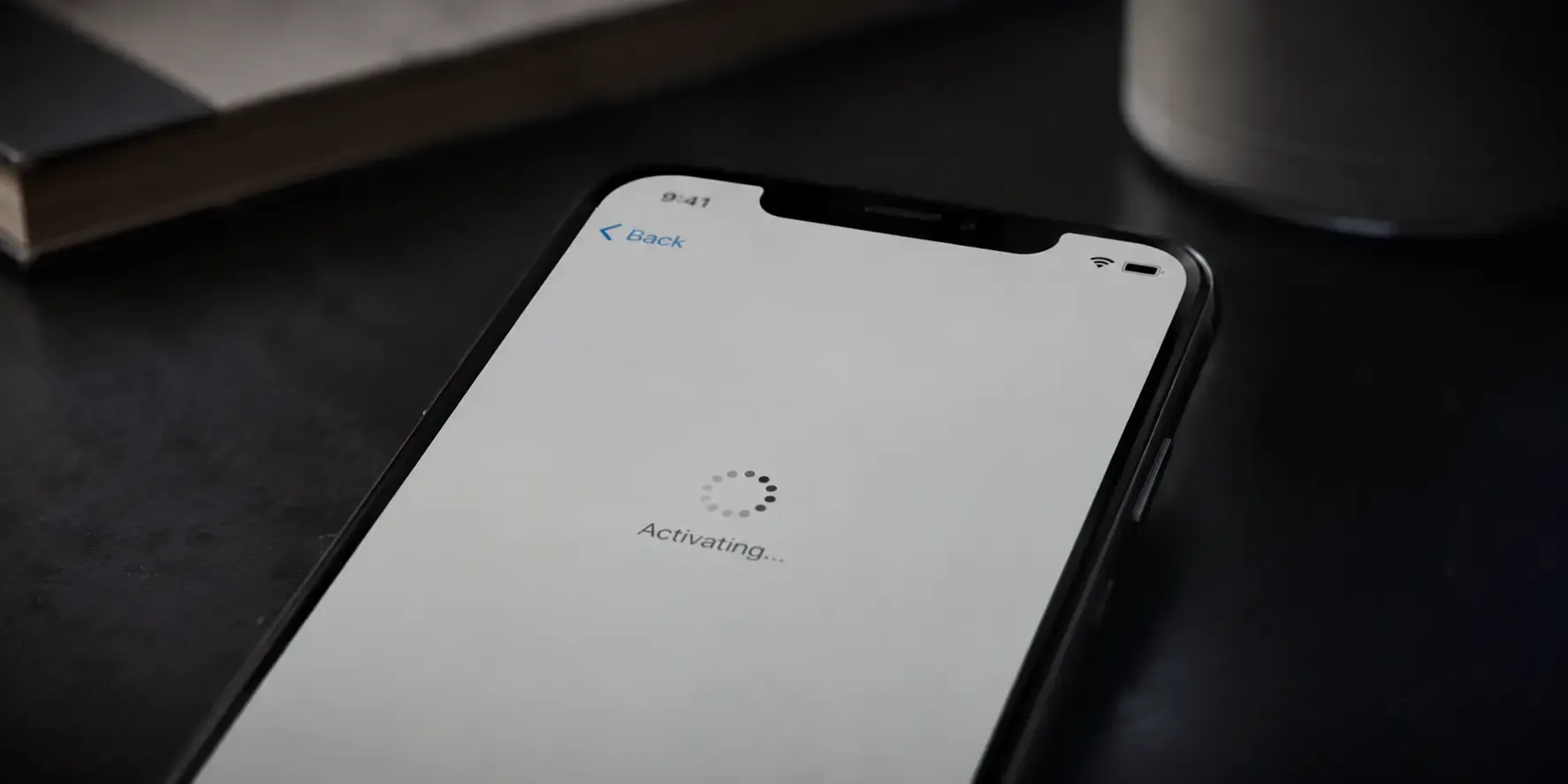
If your eSIM QR code isn't working, the cause is usually one of four things: the code has already been used, it's expired, the image is too poor to scan or your phone can't install it right now. "Code already used" means the code has already been redeemed somewhere, since each eSIM QR code works exactly once. Most of the other causes are fixable in a couple of minutes, and support can reissue a code where applicable.
What does "code already used" mean?
Each eSIM QR code is designed to be redeemed exactly once. This error shows up when the code has already been scanned successfully, sometimes because it was installed earlier without you realising, or because a screenshot or forwarded copy of the code was scanned a second time. If you're confident you haven't installed it yet, contact support with your order number and we can check the code's status and reissue it where applicable.
What else stops an eSIM QR code from working?
- Expired code: You have 365 days from purchase to activate your eSIM; your plan's own validity starts when you first use data in a covered country. If more than 365 days have passed since purchase, the code may no longer be valid: see our guide on expired eSIM codes.
- Low-quality image: A blurry screenshot, a heavily compressed image or a code viewed at a tiny size can fail to scan even though it hasn't expired. Our camera and lighting fixes for QR codes that won't scan cover this.
- Maximum eSIM profiles reached: Phones can only store a limited number of eSIM profiles at once. If yours is full, remove an unused profile in Settings before installing a new one.
- No internet connection during install: Installing an eSIM requires an active Wi-Fi or data connection on the device at the moment you scan the code.
Still not working?
If none of the above applies, contact support with your order number: we can check the code's status and reissue it where applicable.
Frequently asked questions
- Because each eSIM QR code is redeemable exactly once, and this one has already been scanned successfully. That can happen if it was installed earlier without you realising, or if a screenshot or forwarded copy was scanned a second time. Contact support with your order number and we can reissue it where applicable.
- You have 365 days from purchase to activate your eSIM. Your plan's own validity is separate and only starts when you first use data in a covered country.
- Yes. Every eSIM can be installed manually with an SM-DP+ address and activation code; contact support with your order number and we'll send you the details.
- Yes. Installing an eSIM requires an active Wi-Fi or data connection on the device at the moment you scan the code.
Sorted and planning the next trip? Browse eSIM plans for your destination and your code arrives within seconds of payment.
- Yes. Installing an eSIM requires an active Wi-Fi or data connection on the device at the moment you scan the code.

Hit the road with data that works
No roaming fees, no physical SIM, no shop visits