eSIM QR code won't scan? Camera and lighting fixes

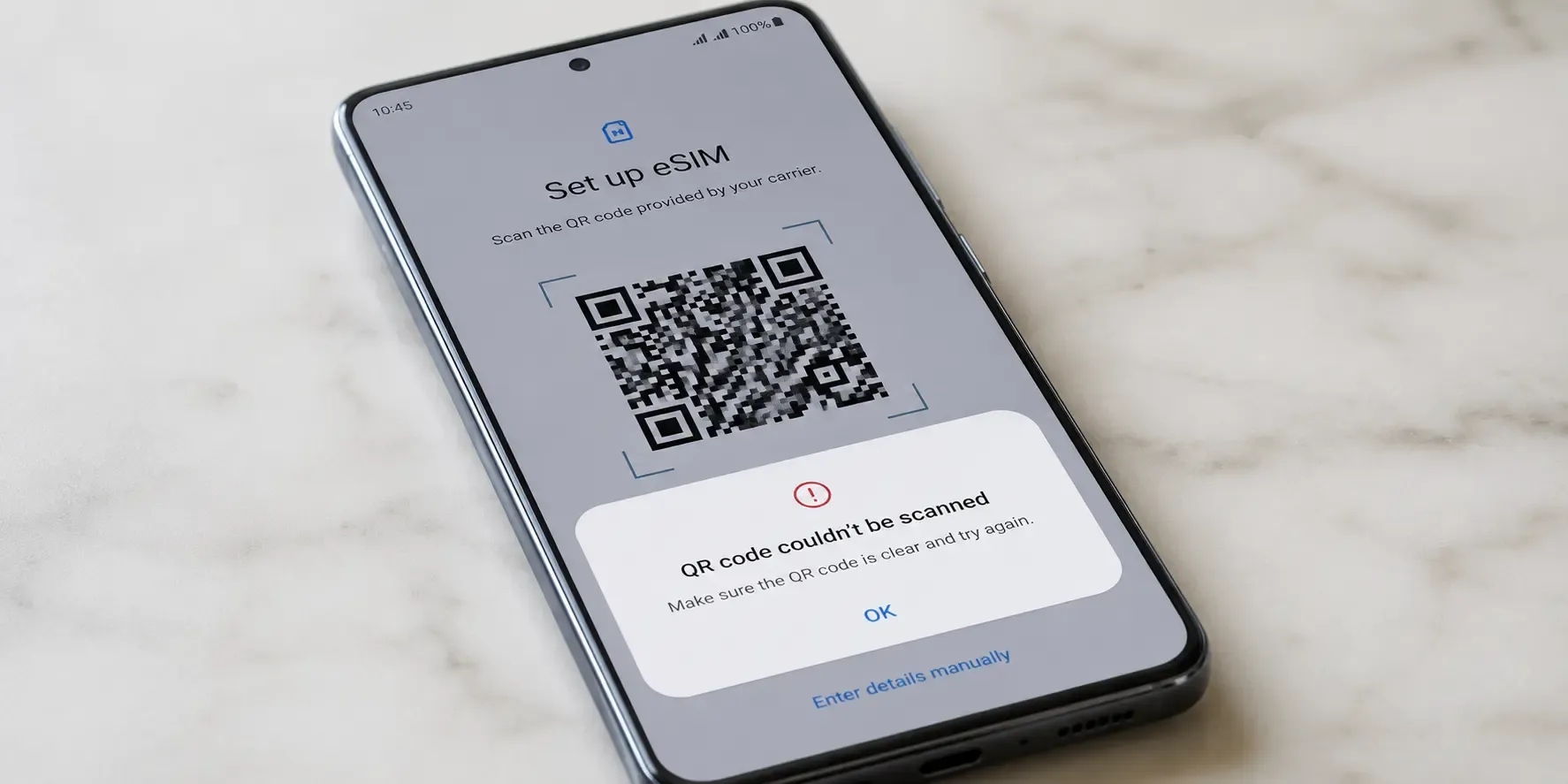
If your eSIM QR code won't scan, the cause is nearly always glare, a too-small image or camera focus rather than a broken code. Turn the screen brightness up, open the code at full size and hold your camera 15–20 cm away. If it still won't scan, you can install the eSIM manually instead.
Why won't my eSIM QR code scan?
- Screen glare: If you're scanning the code off another phone or laptop screen, glare or low brightness can stop the camera from reading it clearly. Turn the display brightness all the way up and tilt the screen to avoid reflections.
- Code too small: A tiny screenshot thumbnail is harder to scan than a full-size image. Open the code in its own window or PDF at full size rather than scanning a shrunken preview.
- Camera permissions: Make sure your phone's Camera (or Settings app, on iPhone) has permission to access the camera when you're adding the eSIM.
- Distance and focus: Hold the scanning device 15–20 cm from the code and give the camera a moment to focus before it locks on.
- Printed copy: If you have access to a printer, a printed copy of the code is often easier to scan than a screen, since there's no glare or refresh flicker.
If the camera picks the code up but your phone then rejects it, that's not a scanning problem. Work through our guide to eSIM QR code errors like "code already used", and if it's been close to a year since you bought the plan, check why an eSIM QR code expires.
What if the code still won't scan?
If the code won't scan no matter what, there's a manual route: your phone's eSIM setup screen has an option to enter the details by hand. Contact support with your order number and we'll send you the manual activation details (an SM-DP+ address and activation code). Choose "Enter Details Manually" on your phone, type them in and the install skips the camera entirely.
Frequently asked questions
- Not with the camera, since the code is on the screen you'd be scanning with. On iOS 17.4 and later or Android 10 and later you can long-press the QR code image and tap "Add eSIM" instead, or display the code on another screen or a printout and scan that.
- Yes. Contact support with your order number and we'll send you the manual activation details (an SM-DP+ address and activation code), then choose "Enter Details Manually" in your phone's eSIM setup.
- Often, yes. Paper has no glare or refresh flicker, so a printed copy is usually easier for the camera to read than a screen.
Code installed and ready to go? Next time you travel, browse eSIM plans for your destination and your QR code arrives by email within seconds.
- Often, yes. Paper has no glare or refresh flicker, so a printed copy is usually easier for the camera to read than a screen.

Hit the road with data that works
No roaming fees, no physical SIM, no shop visits